

Digital wallets let you pay without pulling out your physical card. Your card number is never shared with merchants, making it one of the safest ways to pay.
A digital wallet stores a secure version of your debit or credit card on your phone, watch, or tablet so you can pay in stores, online, or in apps.

Add your District Credit Union credit card to your digital wallet for a faster, safer checkout experience.
1. Open the Wallet app and tap “+”.
2. Choose Debit or Credit Card.
3. Scan or enter your card details.
4. Follow the prompts from District CU to verify your card.
5. Once verified, you’re ready to pay securely with your phone.
Add your card under Settings > Wallet & Apple Pay, then verify once to start using Apple Pay across all devices.
1. Open the Samsung Wallet app (formerly Samsung Pay).
2. Tap Menu or “+ Add Card.”
3. Select Credit/Debit Card, then scan or enter your card details.
4. Review and accept the terms.
5. Verify through SMS, email, or your banking app.
6. Once verified, your card is ready for contactless payments.
1. Open the Google Wallet app (download from Google Play if needed).
2. Sign in with your Google account.
3. Tap Add to Wallet and select Payment card.
4. Scan your card or enter the details manually.
5. Follow the prompts to verify your card (via SMS, email, or banking app).
6. Make sure NFC is turned on and Google Wallet is set as your default tap-to-pay app.
7. Once verified, you’re ready to pay securely with your phone.




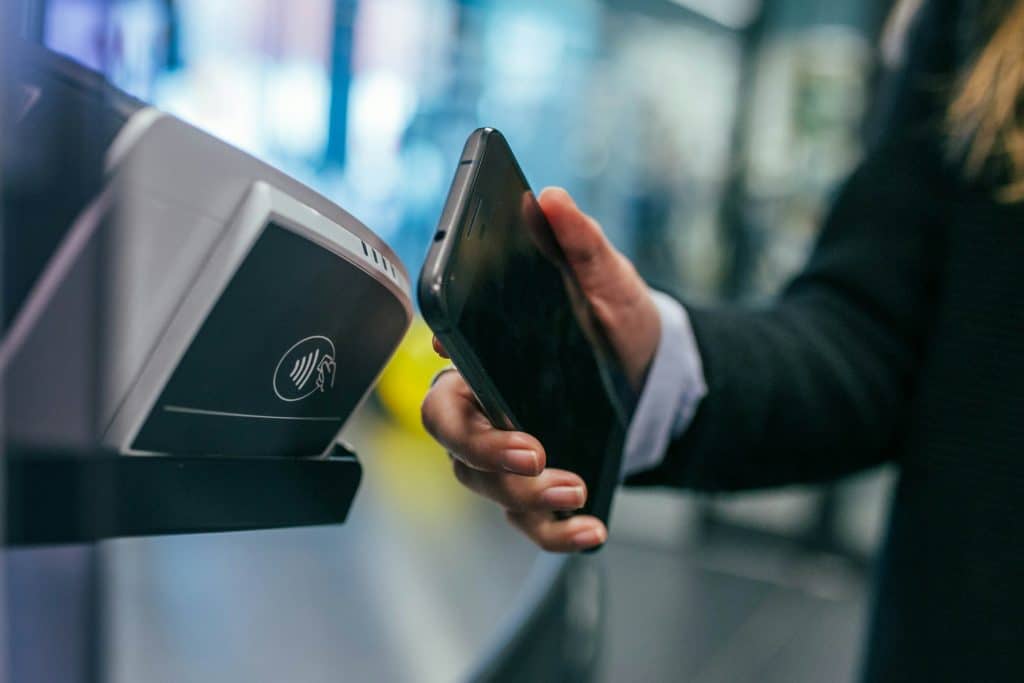
Built-in security protections

Your card number is never shared with merchants during transactions

Every purchase uses a one-time encrypted code for maximum security
Requires your fingerprint, Face ID, or passcode for every payment

You can turn off your card instantly if your phone is lost or stolen
Don’t worry, you’re protected
We’re happy to walk you through it, step by step.
Visit a branch, call us, or ask our team during your next visit.
The District Credit Union’s terms, privacy, and security policies do not apply to the external website you are about to visit. The District does not endorse, guarantee, or control any product, service, or content available on the external site. Additionally, The District is not responsible for the security or privacy practices of the external site, nor for the privacy or security of any information you may provide to others on the site. We encourage you to review the privacy policy of the external website for more details.
| Paper | Credit Score | Rate |
|---|---|---|